 While you're on the job
Calls go to voicemail
When you're with a customer, driving, or on a job, an AI receptionist can answer, gather the basics, and follow your booking rules.
A practical guide to answering more calls, following up with new leads, and keeping useful meeting notes—without trying to run your business from your phone.
For service-business owners and solo consultants who can't always pick up.
A call comes in while you're on a job. A web inquiry lands after hours. A useful detail disappears after a meeting. Simple systems can help close those gaps.
While you're on the jobWhen you're with a customer, driving, or on a job, an AI receptionist can answer, gather the basics, and follow your booking rules.
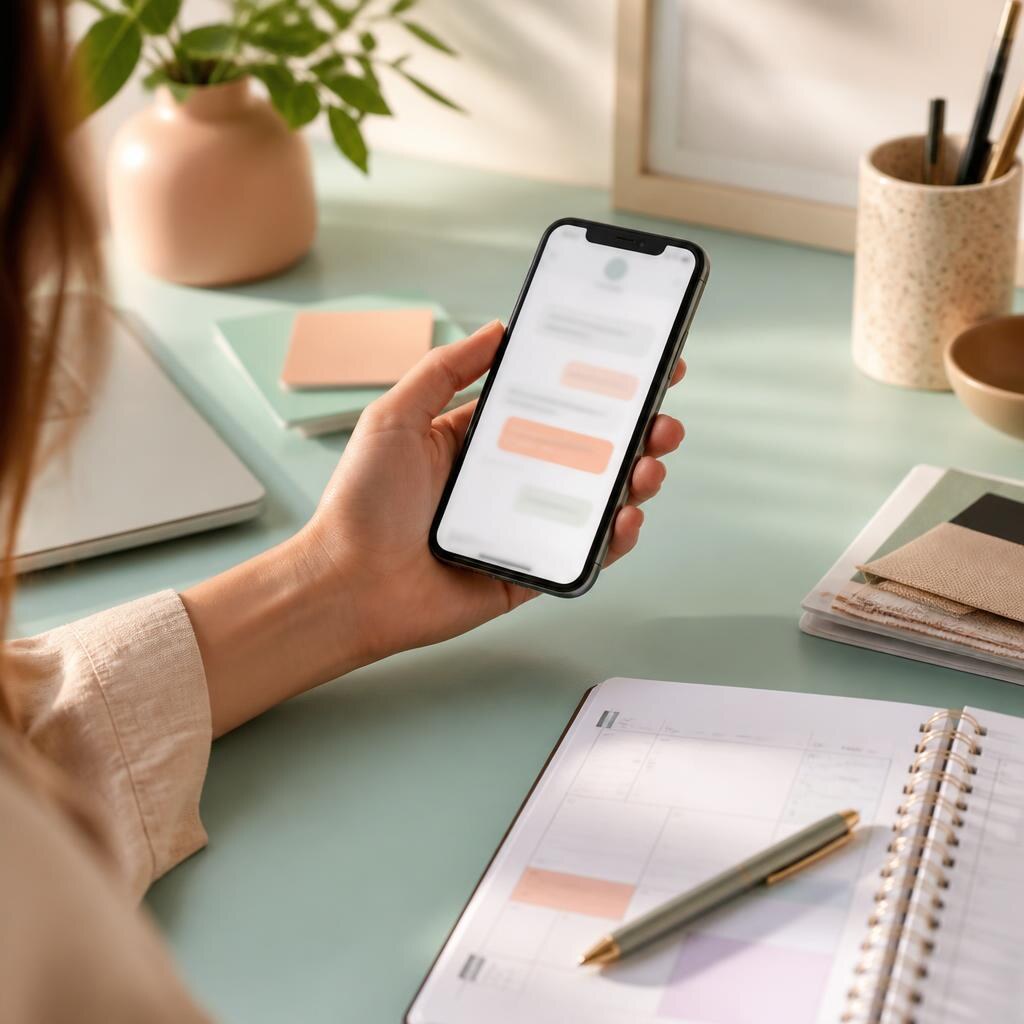 A quick, helpful reply
A timely, useful text or email can acknowledge a form fill or missed call while you decide what needs a personal response.
 Keep the next step clear
AI meeting notes can capture a recap and follow-up list so decisions and next steps are easier to find after the call.
Think of it as a set of instructions for common calls—not a replacement for your judgment. You decide what it can answer, what it should collect, and when it should hand the conversation back to you.
Write a natural greeting, list the services and hours it can discuss, and define which questions should go straight to you.
Ask for only useful details—such as the caller's name, reason for calling, service area, and preferred time to talk.
Depending on your setup, that could be a booking request, a message for your team, or a follow-up text for you to review.
Check the handoffs and transcripts regularly. Update the instructions when callers ask something the system shouldn't guess at.
AI lead follow-up tools can connect a missed call or form fill to a prompt reply, a reminder, and a clear handoff. Start with one well-defined path before automating every conversation.
These are examples from two different parts of a small-business workflow. Check current features, terms, and pricing with each provider.
A platform to look at if you want customer management, booking, and follow-up workflows in one place.
Product details and availability can change. Verify them with the provider.
A meeting assistant to explore if you want searchable transcripts, summaries, or follow-up notes from calls.
Product details and availability can change. Verify them with the provider.
Tell participants when a meeting is recorded or transcribed, and check applicable rules before enabling recording. AI-generated notes can miss context; review them before sharing or acting on them.
A step-by-step outline for finding the gaps in your current call and lead process, then deciding what to automate first.
AI Power Tools is a practical guide to software that can help small-business owners and solo consultants handle everyday work—answering calls, following up with leads, and keeping track of meeting details.
We aim to explain what a tool may help with, where a human still matters, and what to check before signing up. Product mentions are starting points for your own research, not a promise that one platform fits every business.
This page is a static HTML preview. Here is what that means for your information.
The playbook email form is a visual preview and is not connected to an email service. It does not transmit or store the address you enter. Do not enter personal information into this preview.
This file does not include analytics, advertising pixels, or cookie-setting scripts. If the site is later connected to an email provider, analytics service, or other third party, this policy should be updated to describe that service and the information it processes.
This page links to HighLevel and Fireflies.ai. If you visit those websites, their own privacy policies and terms apply. AI Power Tools does not control how those providers handle information.
No contact email or published privacy-policy URL was supplied for this preview. Add a monitored contact method before launch. Update this policy when the page's form, tracking, or data practices change.